
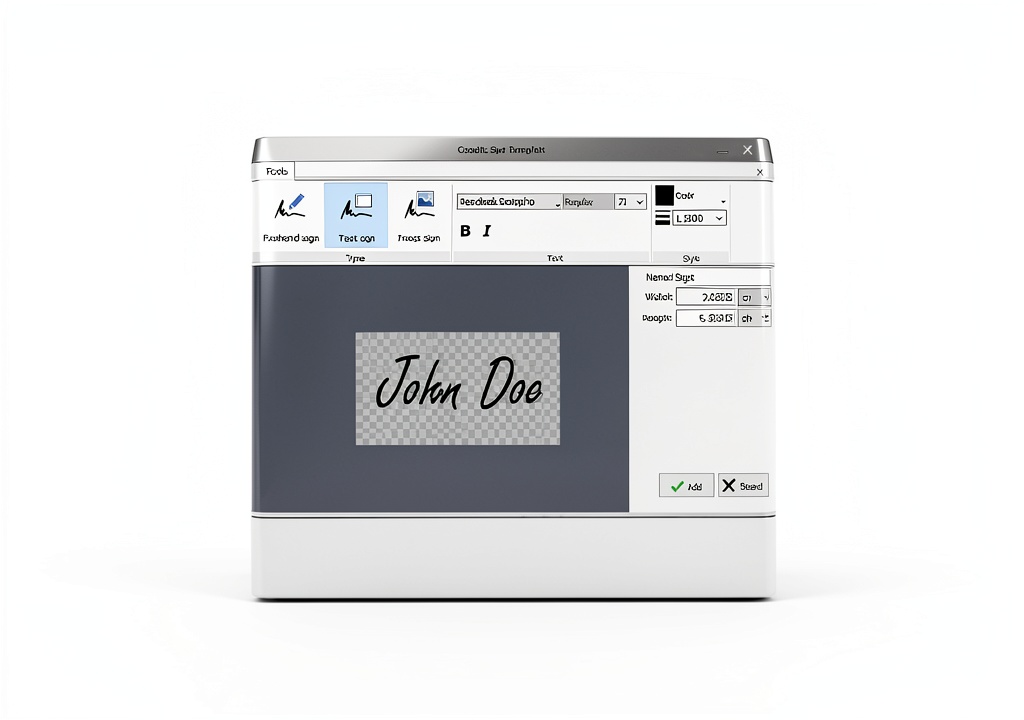
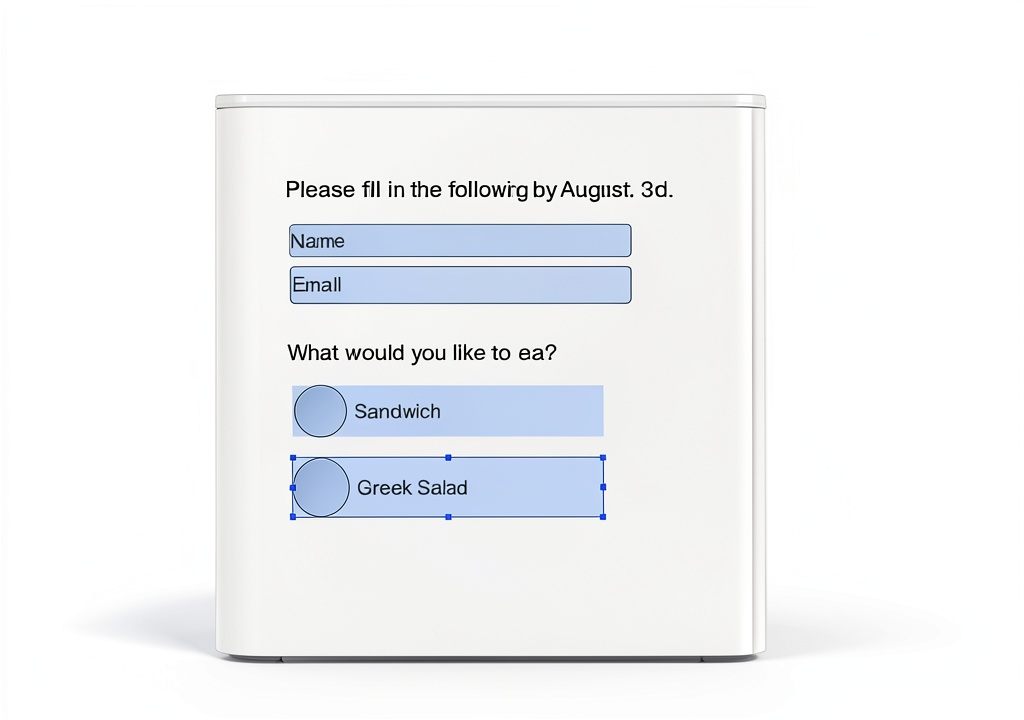
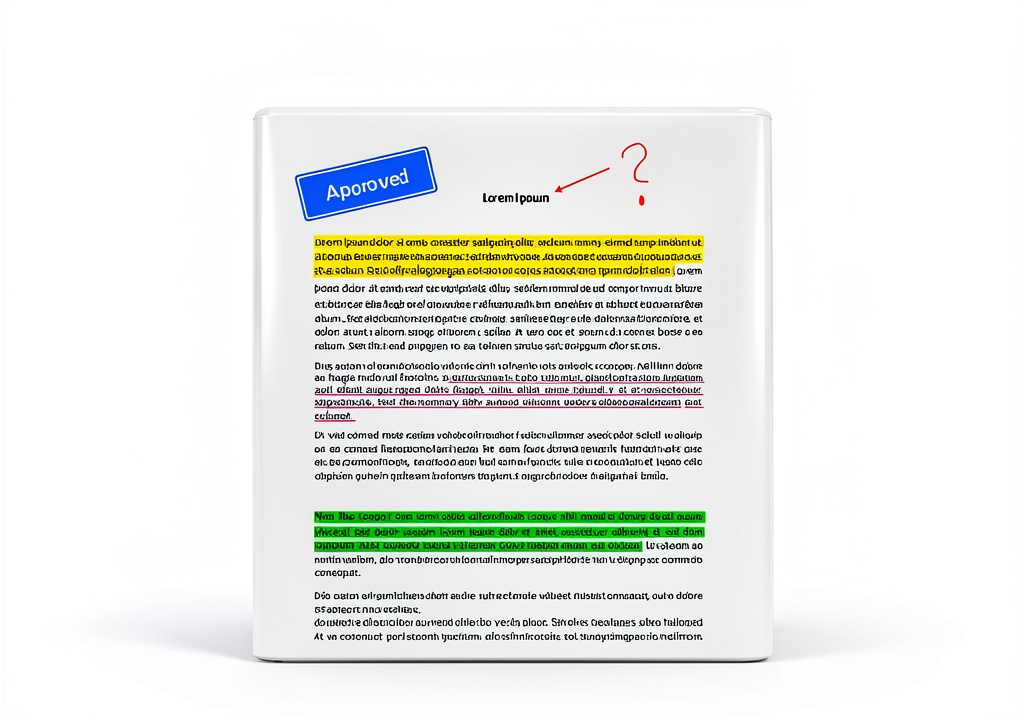

Description
Product Overview
The Markt+Technik PDF Editor is a full‑featured desktop application designed to give users complete control over PDF documents. Built on a robust engine, the software supports Windows operating systems and runs efficiently on standard hardware, delivering fast response times even when handling large files. The program is delivered on a secure product key card that contains a download link and a perpetual license for up to three personal computers, eliminating the need for recurring subscription fees. Its interface follows familiar office‑style conventions, allowing new users to start editing immediately while still offering advanced options for power users. By combining editing, conversion, and OCR capabilities in a single package, the solution reduces the need for multiple separate tools, streamlining workflows for professionals who manage contracts, reports, and other critical documents. The software also integrates with popular cloud storage services, enabling users to open, edit, and save files directly from services such as OneDrive and Dropbox, which further enhances collaboration across distributed teams.
![[Product front view showing all components]](https://www.iconicgo.store/wp-content/uploads/2026/06/7998f7289d0e4e508dfba3864abc0f43.jpg)
Usage
The PDF Editor fits naturally into office environments where document turnaround time is critical. Legal professionals can quickly redact confidential information, annotate contracts, and insert signatures without needing to print and scan paperwork. By converting PDFs to editable Word files, attorneys can modify clauses, track changes, and collaborate with colleagues using familiar tools, then reconvert the final version back to PDF for secure distribution. The OCR feature is especially valuable for handling legacy scanned archives, turning them into searchable documents that can be indexed by corporate knowledge bases. In addition, the software’s ability to split large PDFs into smaller sections enables project managers to share only the relevant portions with stakeholders, reducing file size and protecting unrelated content. The intuitive interface requires minimal training, allowing new hires to become productive within a single workday, which is a significant cost saving for organizations with high document turnover.
Educators and students benefit from the PDF Editor’s annotation tools, which support highlighting, commenting, and drawing directly on PDF pages. When preparing lecture notes or research papers, users can embed images, equations, and hyperlinks, creating rich, interactive documents that enhance learning outcomes. The ability to merge multiple PDFs into a single file simplifies the compilation of course packs, while the split function helps extract individual assignments for grading. OCR conversion also assists academic institutions in digitizing older textbooks, making them searchable and accessible for students with visual impairments. Furthermore, the software’s support for exporting to common e‑book formats ensures that educators can distribute materials across various platforms without compatibility issues. The built‑in page numbering and header/footer editing features allow instructors to maintain consistent branding across all distributed PDFs, reinforcing institutional identity. Because the program runs offline, it also protects student data from cloud‑based privacy concerns.
Small business owners use the PDF Editor to streamline invoicing and receipt management. By converting supplier PDFs into Excel spreadsheets, they can automatically import data into accounting software, reducing manual entry errors. The split and merge functions enable the creation of custom proposal packets, where only the most relevant sections are presented to clients, enhancing professionalism. OCR capabilities also allow businesses to archive scanned contracts and make them searchable, facilitating quick retrieval during audits or negotiations. The software’s multi‑language OCR support is particularly useful for companies operating in international markets, ensuring that documents in foreign languages are accurately recognized. Integration with popular CRM tools allows the extracted data to be directly linked to customer records, improving sales tracking and follow‑up efficiency. The ability to add bookmarks and create a table of contents within PDFs also helps businesses organize large manuals, making navigation intuitive for end‑users.
Government agencies and non‑profit organizations appreciate the PDF Editor’s compliance‑focused features. The software can embed metadata and digital signatures that meet industry standards such as PDF/A‑1b for long‑term archival. Its audit trail records every edit, providing a transparent history that satisfies regulatory requirements. The OCR engine’s ability to recognize government‑issued forms in multiple languages assists in digitizing public records, enabling searchable databases that improve citizen services. Moreover, the license model—perpetual and valid for three PCs—offers cost‑effective deployment across departmental workstations without recurring fees, aligning with budgetary constraints typical of public sector procurement. The program also supports batch processing of hundreds of files, allowing agencies to modernize large archives in a single scheduled operation, which dramatically reduces manual labor. User permissions can be configured to restrict editing rights, ensuring that only authorized personnel can modify sensitive documents, a critical safeguard for confidential governmental data.
Why Choose Us
Markt+Technik has a long history of delivering reliable software solutions for document management, and the PDF Editor continues that tradition with a focus on stability and performance. The product undergoes rigorous quality assurance testing, including automated regression suites and real‑world stress tests, to guarantee that it handles complex PDFs without crashes or data loss. Customer feedback is incorporated into regular updates, ensuring that the most requested features and bug fixes are delivered promptly. This commitment to continuous improvement positions the PDF Editor as a trustworthy tool for mission‑critical environments. The software’s architecture is built on modern C++ libraries, which provide fast processing and low memory consumption, making it suitable for both high‑end workstations and modest laptops. Additionally, the program supports multi‑threading, allowing simultaneous operations such as OCR and conversion to run in parallel, further reducing the time required for large batch jobs. All these technical choices result in a smooth user experience that minimizes downtime and maximizes productivity.
The PDF Editor’s licensing model is designed with flexibility in mind. A single perpetual license covers three PCs, allowing teams to share the software across multiple workstations without additional cost. There are no hidden subscription fees or expiration dates, which simplifies budgeting and eliminates the need for periodic renewals. The license key is delivered on a physical card with a QR‑code that links directly to the download portal, ensuring a secure and straightforward activation process. This model also includes free updates for the lifetime of the product, giving customers confidence that they will continue to receive enhancements and security patches. Enterprise customers can also request volume licensing options, which provide bulk discounts and centralized management of activation keys. The straightforward licensing eliminates the administrative overhead associated with subscription tracking, allowing IT departments to focus on core responsibilities. Overall, the cost‑effective structure delivers high value for organizations seeking robust PDF capabilities without recurring expenses.
Customer support is a cornerstone of the Markt+Technik experience. Users receive access to a dedicated help desk staffed by PDF specialists who can assist with installation, troubleshooting, and advanced feature guidance. Support is available via email, live chat, and phone during business hours, and a comprehensive online knowledge base provides step‑by‑step tutorials, video walkthroughs, and FAQs. The company also offers optional on‑site training sessions for teams that require deeper onboarding, ensuring that every user can fully exploit the software’s capabilities. Satisfaction surveys consistently show high ratings, reflecting the company’s commitment to responsive and knowledgeable service. Response times typically fall under two hours for priority tickets, and the support team follows a transparent escalation process to resolve complex issues efficiently. Clients also benefit from regular webinars that showcase new features and best practices, fostering a community of knowledgeable users who share tips and workflows. This proactive approach ensures that users stay up‑to‑date with evolving PDF standards and industry trends.
Security compliance is integral to the PDF Editor’s design. The application supports password protection with AES‑256 encryption, digital signatures, and PDF/A archival compliance, meeting the requirements of sectors such as finance, healthcare, and government. Regular security audits are performed by third‑party experts to identify and remediate vulnerabilities before they can affect customers. In addition, the software respects user privacy by performing all processing locally on the computer, with no data transmitted to external servers unless the user explicitly initiates a cloud‑based feature. This architecture provides peace of mind for organizations that handle sensitive information and must adhere to strict data protection regulations. The product also includes a detailed audit log that records every modification, providing an immutable record for compliance reporting and internal reviews. By offering these comprehensive security features out of the box, organizations can avoid costly third‑party add‑ons and maintain a streamlined, secure document workflow.
Key Features
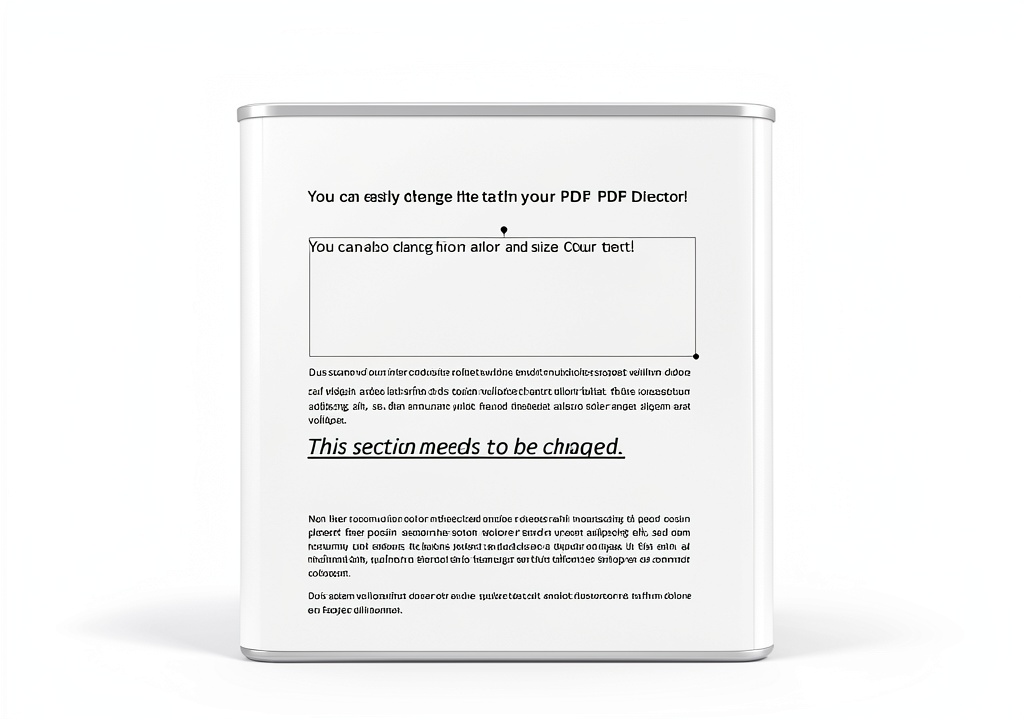
- Edit text, images, and fonts directly within PDFs, eliminating the need for external editors and preserving original layout integrity
- Convert PDFs to fully editable Word or Excel files with accurate formatting, enabling seamless data extraction and document reuse
- Built‑in OCR recognizes text in scanned documents in over 30 languages, turning static images into searchable, selectable content for easy archiving
- Split, merge, and bookmark PDFs instantly, allowing you to organize large files, create custom packages, and improve navigation for readers
- Perpetual 3‑PC license with free lifetime updates and dedicated support, providing cost‑effective, hassle‑free ownership for teams
FAQ
Can I use the PDF Editor on macOS?
The current version is Windows‑only; however, a macOS version is planned for future release.
How does the OCR handle multi‑page scanned PDFs?
The OCR engine processes each page sequentially, preserving the original page order and embedding searchable text layers directly into the PDF.
Is the license transferable to a new computer?
Yes, you can deactivate the software on one PC and reactivate it on another, up to the three‑device limit.
What file formats are supported for export?
In addition to PDF, you can export to Word (.docx), Excel (.xlsx), plain text (.txt), and searchable PDF with embedded OCR.


 atp automotive Metal Speedometer Cable Replacement
  Inventory and Sales Tracker by Creative Excellence Excel Software
Reviews
There are no reviews yet.