


Description
Product Overview
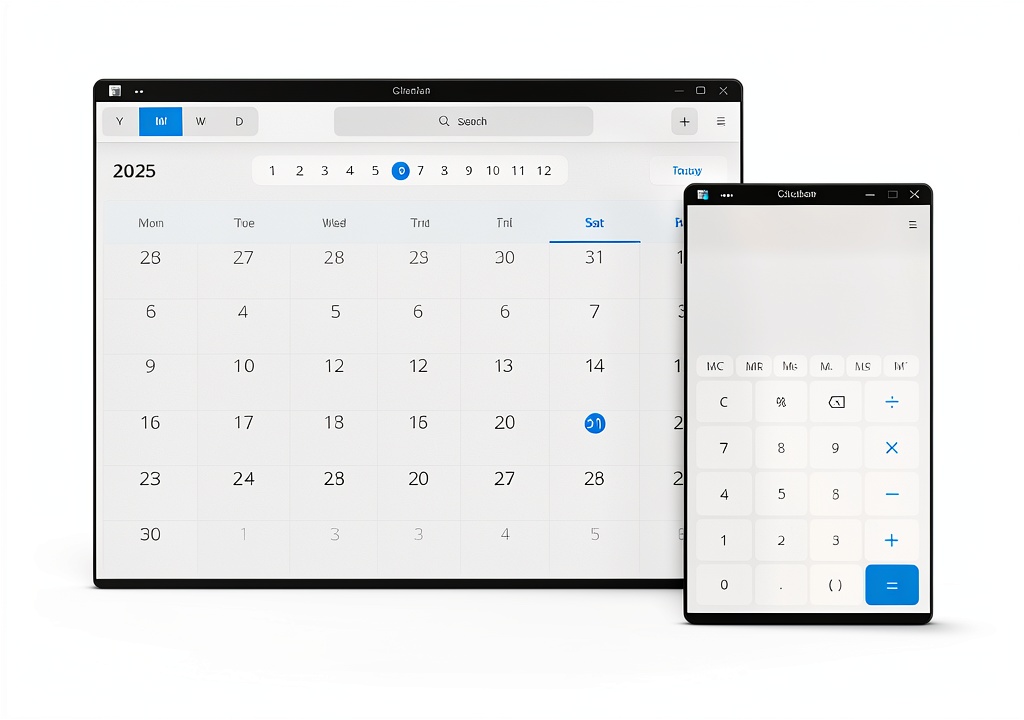
RefreshOS is a modern, Debian‑based Linux distribution designed to offer a refined user experience right out of the box. Built on the solid foundation of Debian, it inherits the stability, security, and extensive package ecosystem that the community trusts. The operating system ships with a polished KDE Plasma desktop environment, delivering a visually appealing and highly customizable interface that balances performance with aesthetic elegance. Every component, from the kernel to the user‑space utilities, has been carefully selected to ensure fast boot times, responsive multitasking, and low resource consumption, making RefreshOS suitable for both legacy hardware and the latest high‑end machines.
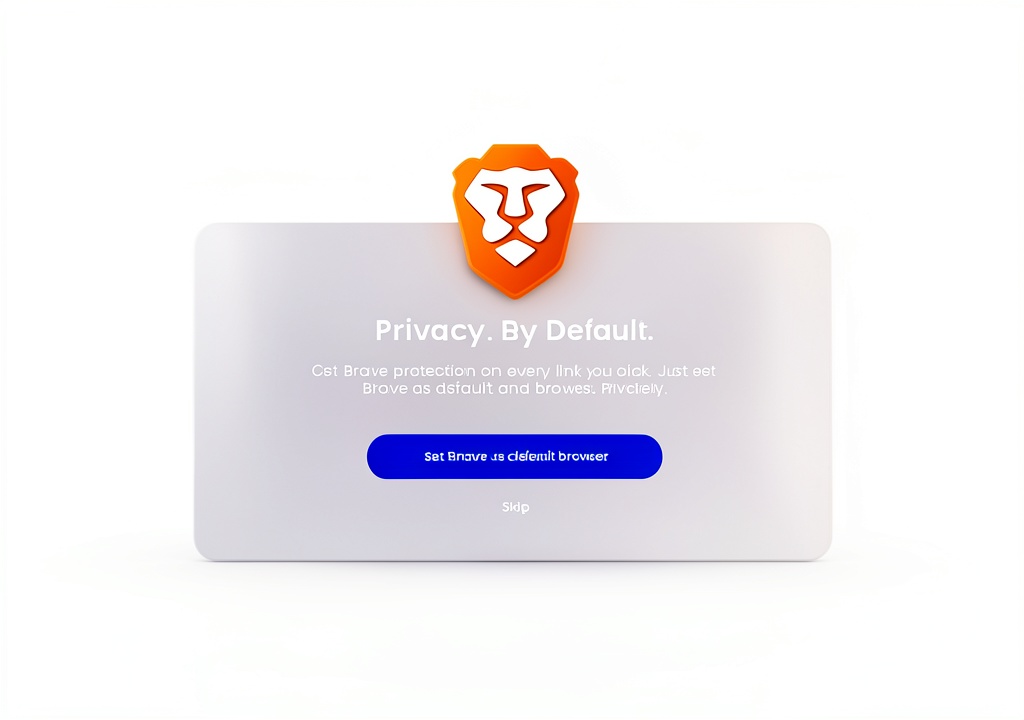
In addition to the core system, RefreshOS bundles a curated suite of everyday applications. The Brave web browser provides a privacy‑focused, ad‑blocking experience while maintaining compatibility with modern web standards. LibreOffice offers a complete office suite for creating documents, spreadsheets, and presentations, eliminating the need for third‑party software. GIMP brings professional‑grade image editing capabilities, allowing users to manipulate photos, create graphics, and export to a wide range of formats. All these applications are pre‑installed and ready to use, reducing setup time and ensuring a cohesive user experience.
Installation is streamlined through the Calamares graphical installer, which guides users through a series of intuitive steps. No terminal commands are required; the installer automatically detects hardware, configures partitions, and sets up the bootloader. This approach lowers the barrier to entry for newcomers to Linux while still offering advanced options for experienced users who wish to fine‑tune their installation. The result is a hassle‑free transition from any existing operating system to a fresh, open‑source environment.
![[Product front view showing all components]](https://www.iconicgo.store/wp-content/uploads/2026/06/3a6ff7a8cc014bf492e0ad6329260334.jpg)
Usage
RefreshOS excels in a variety of real‑world scenarios. For home users, it provides a secure, ad‑free browsing experience with Brave, a reliable office suite for school projects, and powerful media tools for photo and video editing. Its low system requirements mean it runs smoothly on older laptops, extending the useful life of hardware that might otherwise be retired. In a professional setting, the combination of KDE’s productivity features and LibreOffice’s compatibility with Microsoft Office formats makes it an attractive alternative for businesses seeking cost‑effective, license‑free solutions.
Educators and students benefit from the open‑source nature of RefreshOS, which encourages learning about operating system internals, software development, and cybersecurity. The platform’s extensive repositories grant access to thousands of additional packages, enabling specialized scientific, engineering, or programming tools to be installed with a single command. Moreover, the system’s built‑in security mechanisms, such as AppArmor profiles and regular security updates, help protect sensitive data in academic environments.
Creative professionals will appreciate the inclusion of GIMP, which rivals proprietary image editors in functionality while remaining completely free. Paired with the KDE desktop’s customizable workspaces, artists can arrange their tools for maximum efficiency, whether they are designing graphics, retouching photographs, or preparing assets for web publishing. The seamless integration of these applications ensures a consistent workflow without the need for additional configuration.
Why Choose Us
RefreshOS stands out because it combines the reliability of Debian with a user‑centric design philosophy. Every release undergoes rigorous testing to verify hardware compatibility, performance benchmarks, and security compliance. Our development team collaborates closely with the open‑source community, contributing patches upstream and incorporating community feedback to continuously improve the distribution. This collaborative approach results in a stable, well‑maintained operating system that benefits from the collective expertise of thousands of contributors worldwide.
Quality assurance is a cornerstone of RefreshOS. Before each public release, we perform automated regression testing, manual usability assessments, and extensive stress tests on a variety of hardware configurations. This ensures that users experience minimal bugs, consistent driver support, and smooth operation across desktops, laptops, and even virtual machines. Additionally, long‑term support (LTS) versions receive security updates for several years, providing a dependable platform for enterprises that require predictable maintenance cycles.
Customer support extends beyond the software itself. We offer comprehensive documentation, step‑by‑step guides, and an active forum where users can ask questions, share tips, and receive assistance from both developers and peers. For organizations that need dedicated assistance, optional professional support packages are available, covering installation, migration, and custom configuration services. This commitment to service reinforces the confidence that users place in RefreshOS for mission‑critical tasks.
Key Features
- Fast, stable Debian base ensures reliable performance and long‑term security updates.
- Polished KDE Plasma desktop offers a modern, customizable interface that enhances productivity.
- Pre‑installed Brave browser provides privacy‑focused, ad‑blocking web navigation out of the box.
- Complete LibreOffice suite enables seamless document creation and compatibility with Microsoft formats.
- Professional‑grade GIMP image editor empowers creative work without additional purchases.
- Calamares graphical installer simplifies setup, requiring no command‑line knowledge.
- Extensive software repositories give access to thousands of additional applications.
- Responsive community and optional professional support ensure help is always available.
FAQ
What hardware requirements does RefreshOS have?
RefreshOS runs comfortably on systems with at least 2 GB of RAM and a 64‑bit processor. For optimal performance, especially when using multiple applications simultaneously, 4 GB of RAM or more is recommended. The installer will detect compatible hardware and suggest appropriate partitioning schemes.
Can I upgrade from a previous version of RefreshOS?
Yes. RefreshOS provides a straightforward upgrade path using the standard Debian package management tools. You can upgrade in place while preserving your personal files and installed applications, or perform a fresh installation if you prefer a clean slate.
Is RefreshOS suitable for business environments?
Absolutely. The distribution includes enterprise‑ready features such as AppArmor security profiles, regular LTS security patches, and compatibility with common office file formats. Additionally, optional professional support packages are available for organizations that require dedicated assistance.
How does RefreshOS handle software updates?
Updates are delivered through the standard APT system. You can configure automatic security updates or manually apply them at your convenience. The system notifies you of available updates and provides detailed changelogs for each package.
What makes RefreshOS different from other Linux distributions?
RefreshOS uniquely combines a Debian foundation with a curated set of user‑friendly applications, a polished KDE desktop, and an installer designed for simplicity. This blend targets users who want a ready‑to‑use, stable, and aesthetically pleasing operating system without the need for extensive post‑installation configuration.



Reviews
There are no reviews yet.